
REAL TIME
Privacy Policy
Informativa sui Cookie
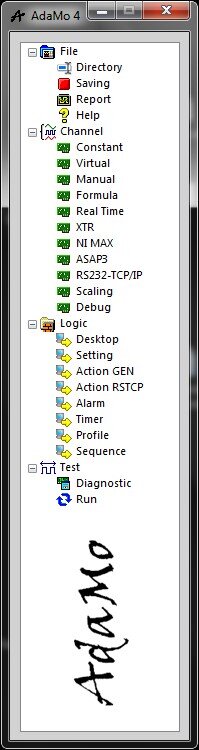
Selecting "Real Time" you enter the sub-area where you can manage the channels available in bidirectional TCP / IP telemetry with an external hardware / software system to AdaMo.
Typical uses:
- communication with a Real-Time system, for example "NI cRIO" or similar, appropriately programmed to understand the syntax of AdaMo telemetry
- communication with another program, either locally or in a computer connected to the network, appropriately programmed to understand the syntax of AdaMo telemetry
- supervision from Windows of a "Distributed Real Time Embedded" architecture where various active (or programmable) subsystems constitute the control intelligence of an implant (for example a test bench)
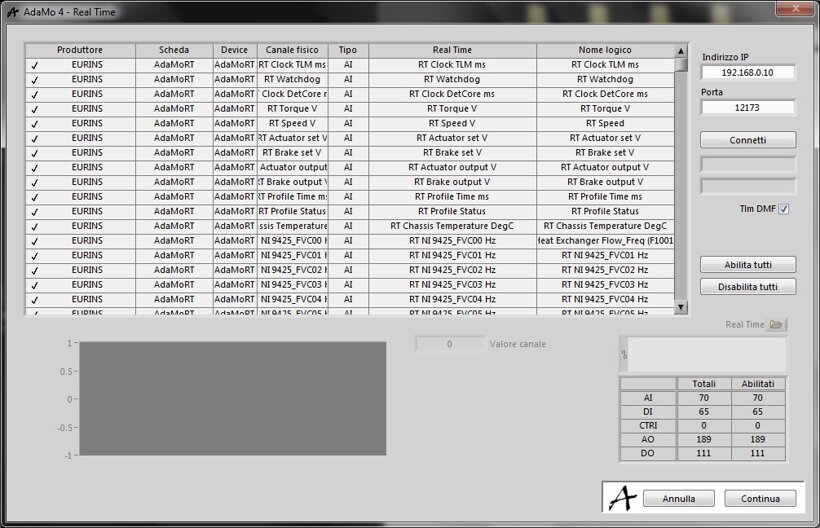
In this image we see the management settings.
It’s necessary to define the network IP address and the TCP communication port for the Real-Time system to be connected.
The option to use standard telemetry or high-optimization "DMF" is also available; some systems are able to understand both, while others only one of them.
Through "Connect" the telemetry is activated, obtaining the logical names of all the available channels in the remote system; by selecting the single line it is possible to see its current value ("single-channel oscilloscope") if it’s input type or to change its value if it’s output type.
In this setting the channels cannot be deactivated individually but only altogether.
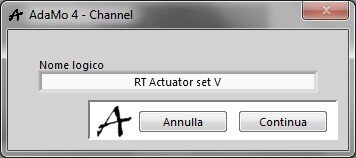
This picture shows the details for each Real-Time channel.
Privacy Policy
Informativa sui Cookie