NI MAX
Privacy Policy
Informativa sui Cookie
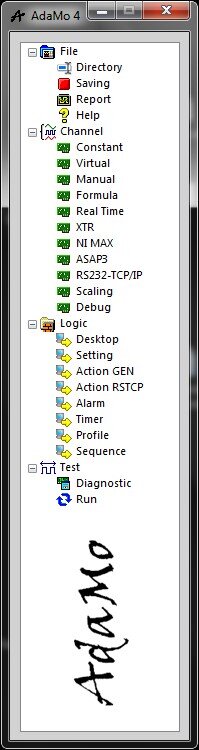
Selecting "NI MAX" enters the sub-areas in which it’s possible to manage the logical channels based on configurations originating in the "NI Measurement & Automation Explorer" program (called "MAX").
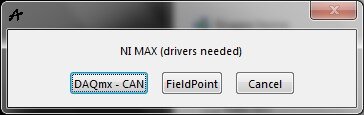
In particular, it’s possible to choose whether to use the "NI DAQmx" or "NI CAN" drivers or the "NI Field Point" driver.
To access the sub-area, the specific driver must be installed on the computer (both in the case of the "DAQmx - CAN" option).
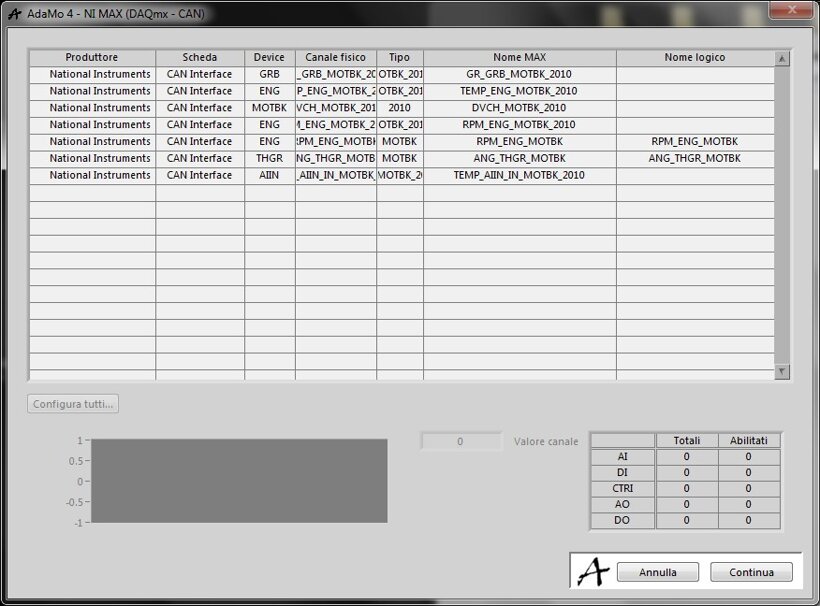
This picture shows the management settings for the “DAQmx-CAN” option.
The right channel assignment (type, name, etc.) is based on what is defined in MAX in "DAQmx Tasks" and "Channel CAN" according to specific syntax.
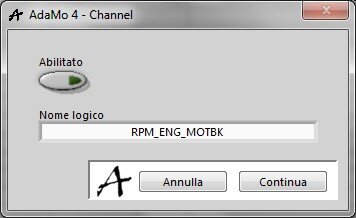
In this image we can see the details for each “DAQmx – CAN” channel.
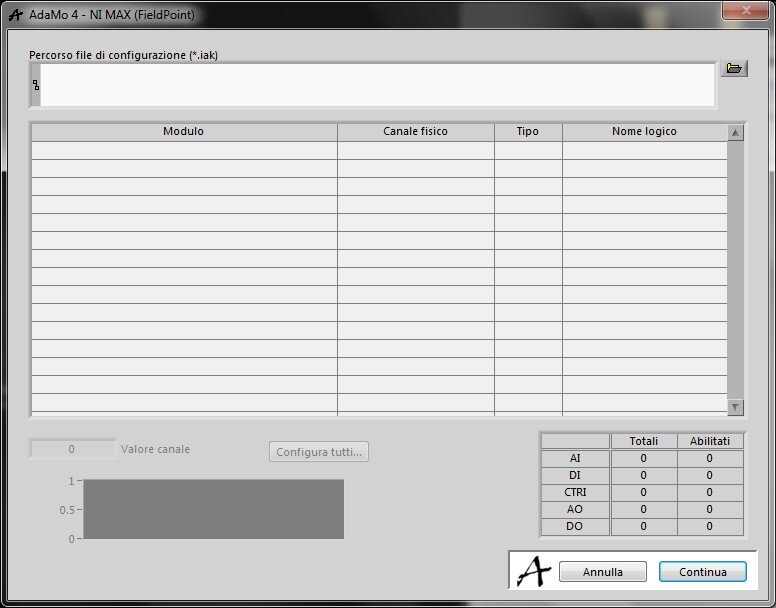
In this image we see the management settings for the "Field Point" option.
The right channel assignment (type, name, etc.) is based on what is defined in MAX in the ".iak" file.
Privacy Policy
Informativa sui Cookie