
MANUAL
Privacy Policy
Informativa sui Cookie
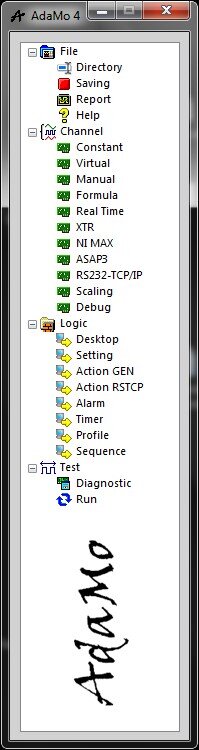
Selecting "Manual" enters the sub-area in which it is possible to create manual channels, or whose value can be changed directly by the operator through the appropriate controls (writable objects) that may be available in one of the Native Desktop in "Run".
They can be text or numeric and have a default value active every time you enter "Run".
Typical uses:
- have a numeric field to manually change the value of a channel used in formulas, in thresholds, in filters, in PID, etc.
- have a text field for manually inserting comments, barcode readings, passwords, etc.
- alteration made by the operator
Special uses (advanced function):
- communication channel from an Alien Desktop to AdaMo
- modification made by system command
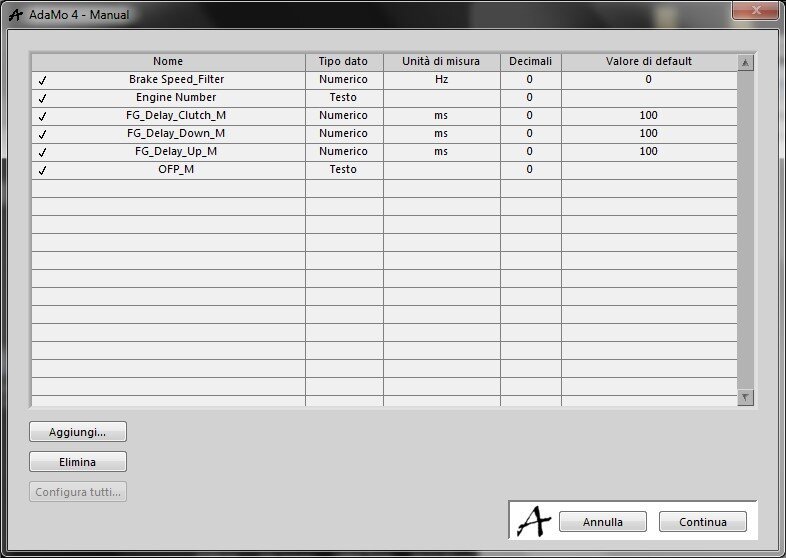
In this image we see the management settings.
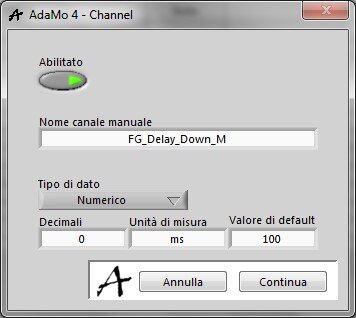
This picture shows the details for each manual channel (here of the numeric type).
Privacy Policy
Informativa sui Cookie