
INTRO
Privacy Policy
Informativa sui Cookie
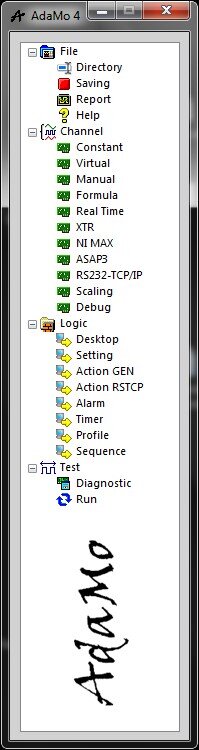
At the start of the program, AdaMo presents the main window.
All sub areas are enabled, except if the correct password has not been given (or after more than 10s spent without typing it); in this case only "Run" is enabled.
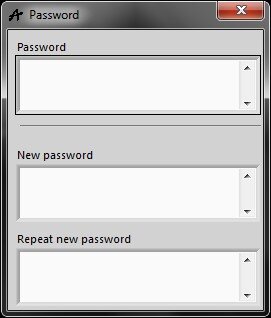
Each time a password is required, it must be considered:
- All passwords are empty by default, meaning that in order to close the window you can just press “Enter” on the keyboard or clicking “X” in the upper right corner of the window
- If nothing is done within 10s, the window closes without giving access to the sub-area
- To insert a new password, within 10s, write the new value (case sensitive) both in the "New password" field and in the "Repeat new password" field
To delate a password, you must delate the relative file (
advance function
)
Privacy Policy
Informativa sui Cookie