
INSTALLATION
Privacy Policy
Informativa sui Cookie
In order to install AdaMo on a new device, you will need the “AdaMo 4.0.0 – Installer” .zip file.
Estract the folder from the .zip file and run the installer (Volume), answer “Next” to all the question and wait for the download to be completed.
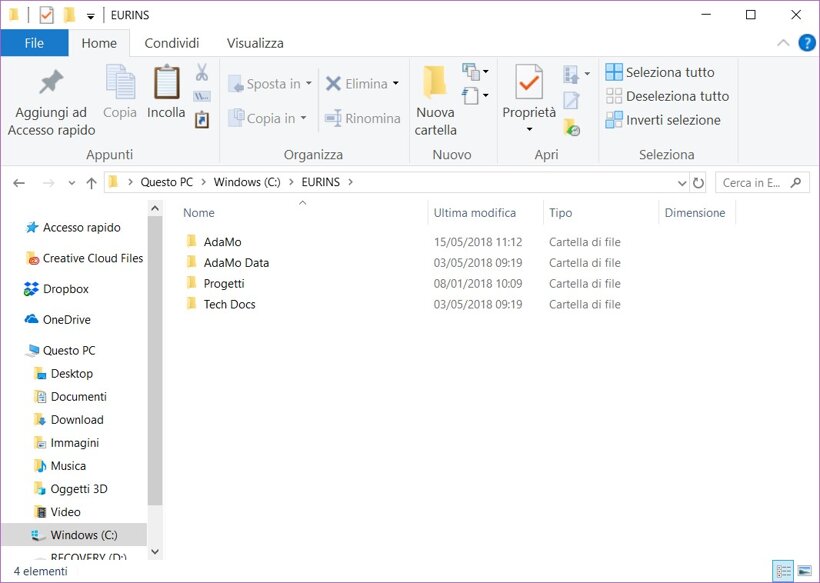
After the download is completed, it will be created a new folder inside Windows (C:), in the file path “Windows (C:)>EURINS >AdaMo” that contains the base version of the program.
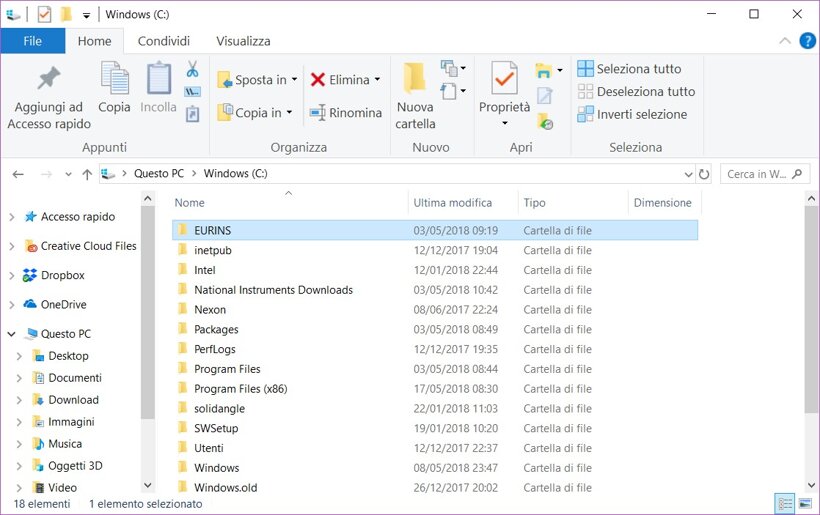
To update the program to the desired version, you will need the backup file of the test bench settings, that you’ll have to replace in the AdaMo folder.
BACKUP
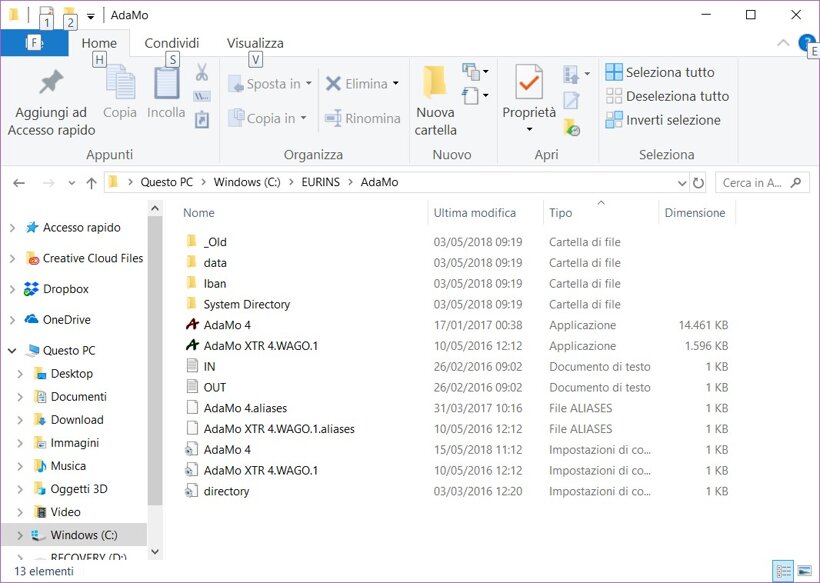
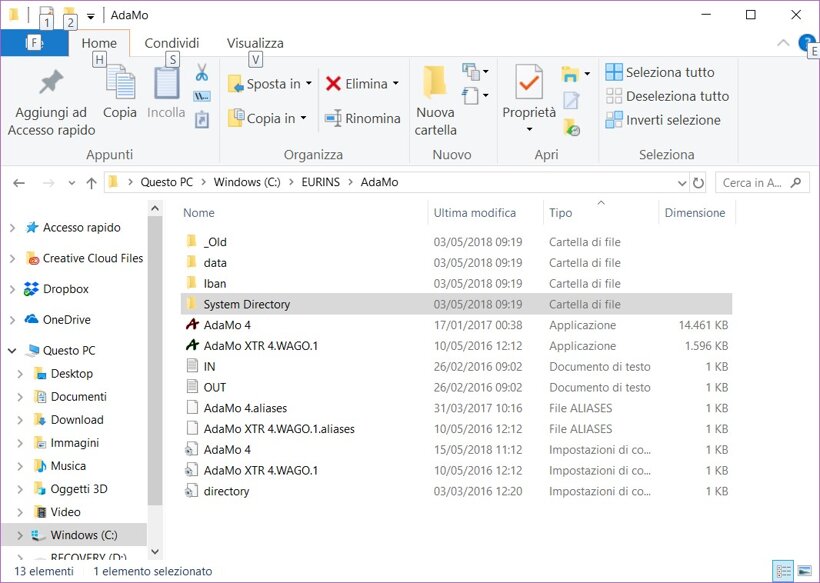
In order to backup your AdaMo settings, open the AdaMo folder, select “System Directory” (that contains accessory programs) and the “data” folder (outside the System Directory folder)
Privacy Policy
Informativa sui Cookie